Affiliate disclosure: This article contains Amazon links. As an Amazon Associate we earn from qualifying purchases, at no extra cost to you.
Correction note: The earlier article mixed product rankings with an oversimplified weight rule. This revision follows current AAP fit and packing guidance and does not rank products Famello has not tested.
Fit before features
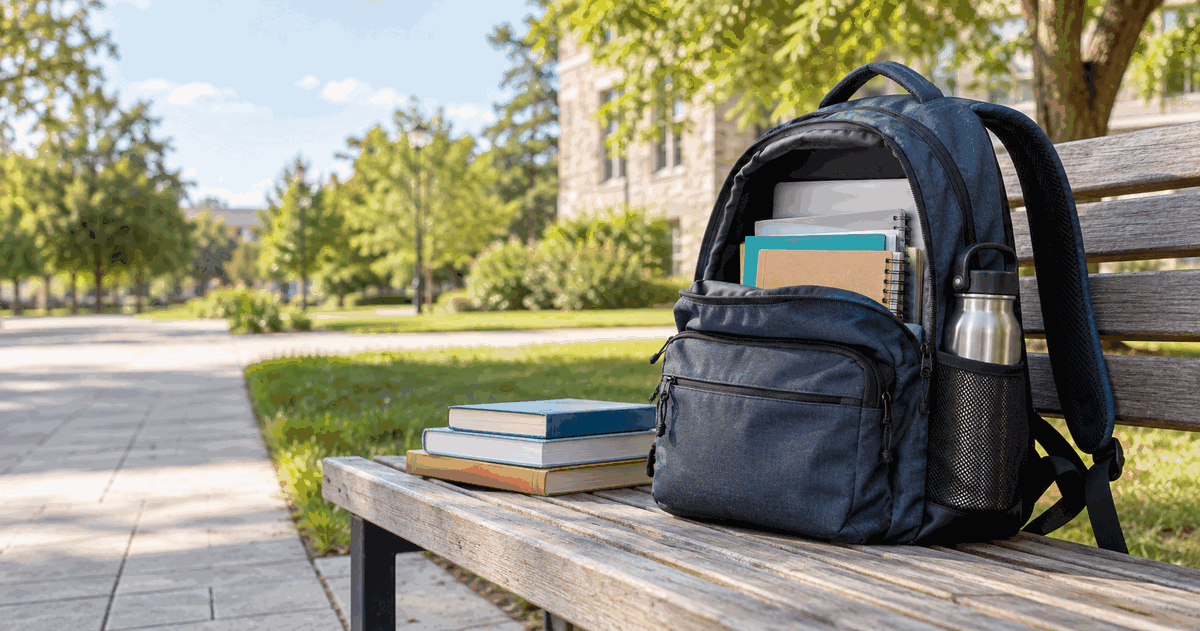
The AAP recommends a backpack proportional to the child's height, with two broad adjustable shoulder straps, a padded back and useful compartments. A waist belt or chest strap can help keep the load close and distribute it.
Try this fitting check
- Put the usual school items in the bag before judging the fit.
- Place the heaviest items closest to the child's back and balance the two sides.
- Use both shoulder straps and adjust them evenly.
- Keep the bag close to the body, with its bottom around the curve of the lower back rather than hanging far below the waist.
- Watch the child walk, use stairs, sit and remove the bag.
Weight is a screening tool
The current HealthyChildren backpack guidance says the backpack should not exceed 15% of the child's body weight. That number does not replace the child's symptoms or a clinician's advice. If the child leans forward to support the load, the bag is too heavy. Remove unnecessary items, use lockers when available or discuss alternatives with the school.
Respond to discomfort
Do not ignore persistent back, neck or shoulder pain, numbness, weakness, skin marks or a changed walking posture. Reduce the load and seek advice from the child's pediatrician or another qualified professional.
Source
Backpack fit record
Record the child's height, the loaded bag's weight, the heaviest daily items and any discomfort. Photograph the correctly adjusted straps for the family's own reference. Repeat the check when the timetable, device or sports equipment changes.
Weekly two-minute reset
Remove old papers, food and items not needed for the next week. Put the heaviest required objects in the compartment closest to the back, balance the remaining load and check that both straps still adjust smoothly. A lighter, correctly packed existing bag may solve the problem without a purchase.
Use the checklist in this guide to compare this bag with your child's size, school load and current manufacturer specifications. Famello has not independently tested this item. Confirm the current maker information, suitability, dimensions, warnings and return terms.
Paid link: Famello may earn a commission if you buy through this link, at no extra cost to you.
View current listing on Amazon →Fit the child before comparing features
Ask the child to try the backpack with an ordinary school load. The bag should sit close to the body, the shoulder straps should adjust evenly, and the bottom should rest around the curve of the lower back rather than hanging far below the waist. A large empty bag invites extra weight.
| Fit check | Pass condition |
|---|---|
| Shoulder straps | Two broad adjustable straps worn together without digging in |
| Bag position | Close to the back and centered |
| Compartments | Heavy items can sit closest to the body |
| Chest or waist strap | Usable and comfortable if included |
| Loaded movement | The child can walk and use stairs without leaning forward |
The American Academy of Pediatrics advises that a loaded backpack should not exceed 15% of the child's body weight. Treat that as an upper limit, not a target. School requirements, disability, pain or an injury may require an individual plan.
Run a weekly weight reset
- Remove old papers, unnecessary books and objects.
- Place the heaviest flat item nearest the back panel.
- Balance smaller items across compartments.
- Weigh the loaded bag when the schedule changes.
- Ask the school about lockers, digital materials or a second set of books if the load remains excessive.
Stop and reassess if the child reports pain, tingling or numbness, develops strap marks, or must lean forward to carry the bag. Discuss persistent symptoms with a healthcare professional.
Verify the exact model
Measure the child's torso and compare it with the maker's current dimensions. Confirm laptop sleeve size, reflective details, cleaning instructions and warranty on the exact listing. Similar model names may have different dimensions. See AAP: School Backpack Safety.
Compare the loaded bag, not the showroom bag
Bring the approximate laptop, binder, lunch container and water bottle dimensions when shopping. Check whether the zippers close without forcing and whether the bottle remains secure when the child bends. Reflective material can help visibility but does not replace safe walking and traffic practices. If the school permits a rolling bag, confirm stair, bus and storage rules before buying one. Write the empty bag weight and return terms on the comparison sheet; a durable-looking bag that cannot be adjusted to the child is not a good fit.
Use a simple review note
Write the date, the family's goal, the option chosen and any important constraint before trying the plan. Change one thing at a time when possible. After a week, record what became easier, what remained difficult and what should change next. Keep observations concrete instead of assigning blame. “The container came home unopened three times” is more useful than “this never works.” When guidance depends on health, safety, school policy or a product specification, check the linked authority or current maker information again. Online guidance and commercial listings change, so keep the review date with the note.
Turn the useful part into a family plan
Famello can hold the shared task, routine or parent note after you decide what fits your family.
Start free at Famello →